
Learn braille by playing
63 lessons and 16 mini-games to read and write braille from scratch, in 38 languages. Made for blind and sighted people alike.
On the App Store and Google Play. Here on the web you can use the translator and the alphabet without an account.
What people who use it say
5 out of 5 stars
As a blind person who has written braille since I was little, I can say you won’t find a more useful app for learning braille than this one: practical lessons and very varied tests.
It gets addictive. I already know the letters but I don’t practise them, so it makes me think and take my time. I like that it has several activities […] and that makes it dynamic.
A great app: educational, entertaining and versatile. A very enjoyable way to learn braille.
Recognition
Awarded by the Government of Peru
- 1st place nationally Good Practices in Universal Accessibility 2026
- Technological Innovation Products category
Awarded to Braillito ® by the Multisectoral Commission of the National Accessibility Plan, Ministry of Housing, Construction and Sanitation of Peru. Lima, August 14, 2026.
4.8
Average rating on the App Store
Why Braillito?
Learning braille still depends on finding the right person in the right place. That is what we are here to change.
Real braille, not a transliteration
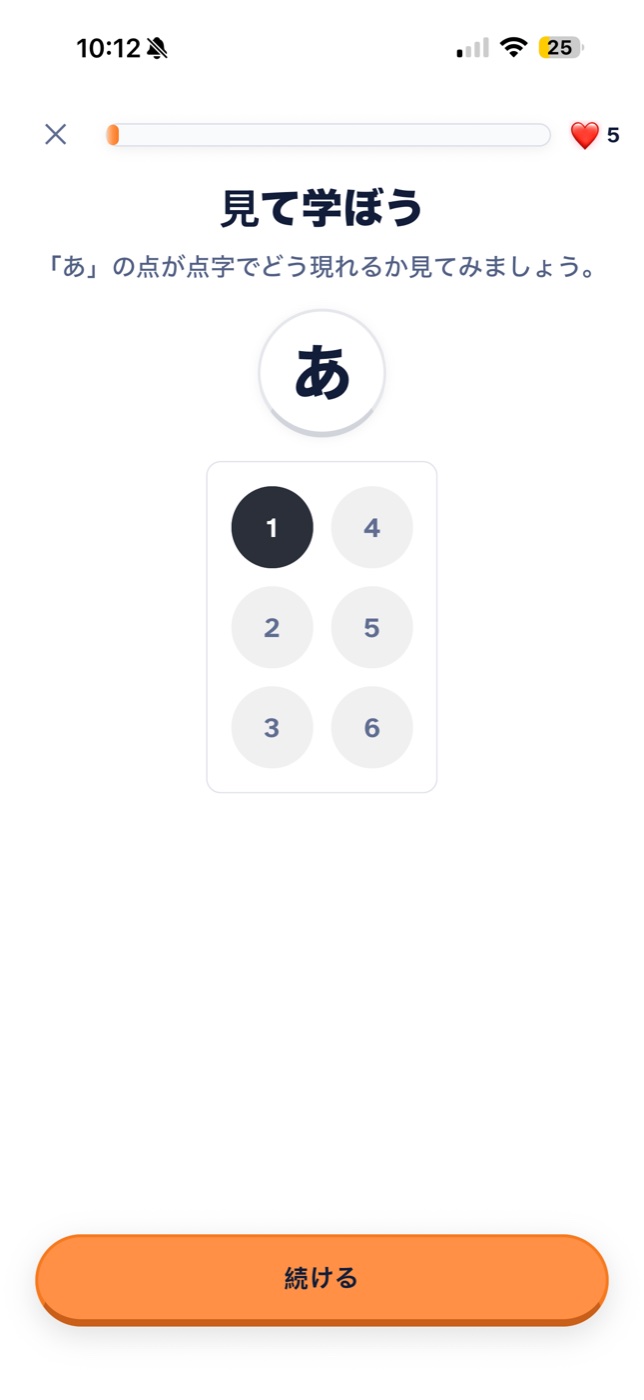
Each of the 38 languages uses the code that is actually used: Japanese braille encodes kana syllables, Korean braille breaks hangul into jamo, and English uses the contractions of Unified English Braille.
Accessible from the start
During onboarding the app asks whether you use a screen reader and adapts the interface, the flows and the exercises. It is not a separate mode: it is the same app.
Truly progressive
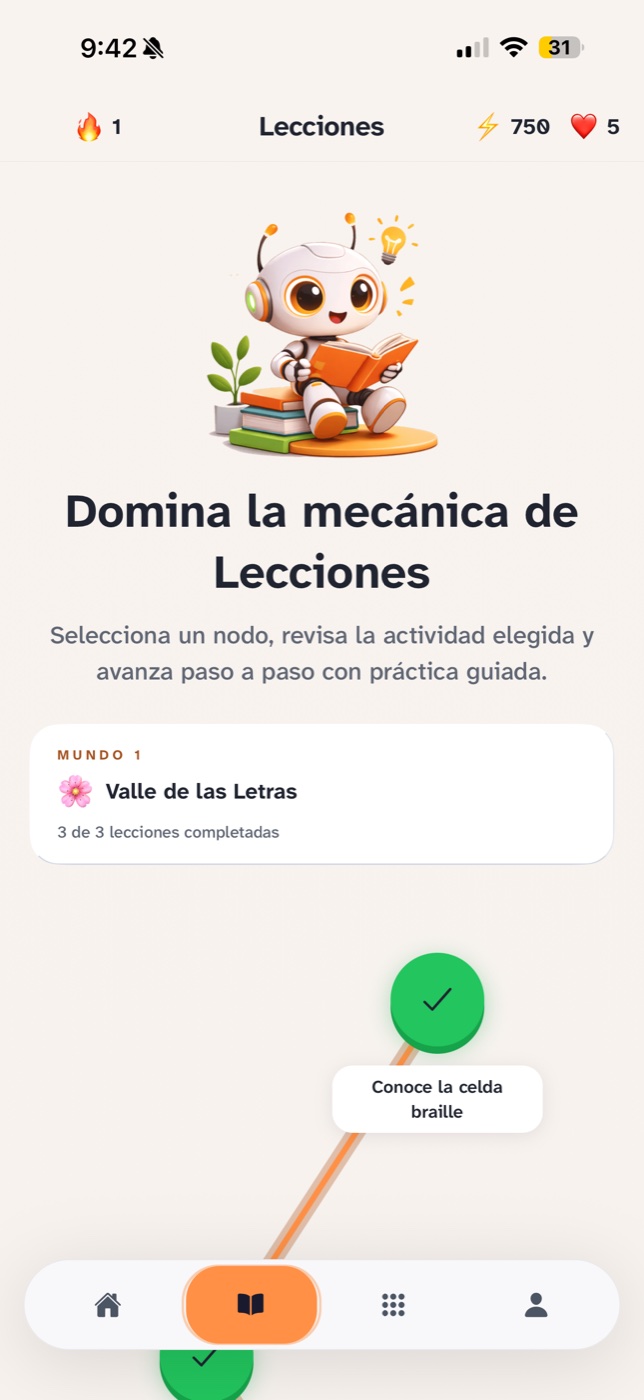
From the six-dot cell to math symbols, in an order designed so that every lesson builds on the one before.
Inside the app
Six dots, and everything else follows
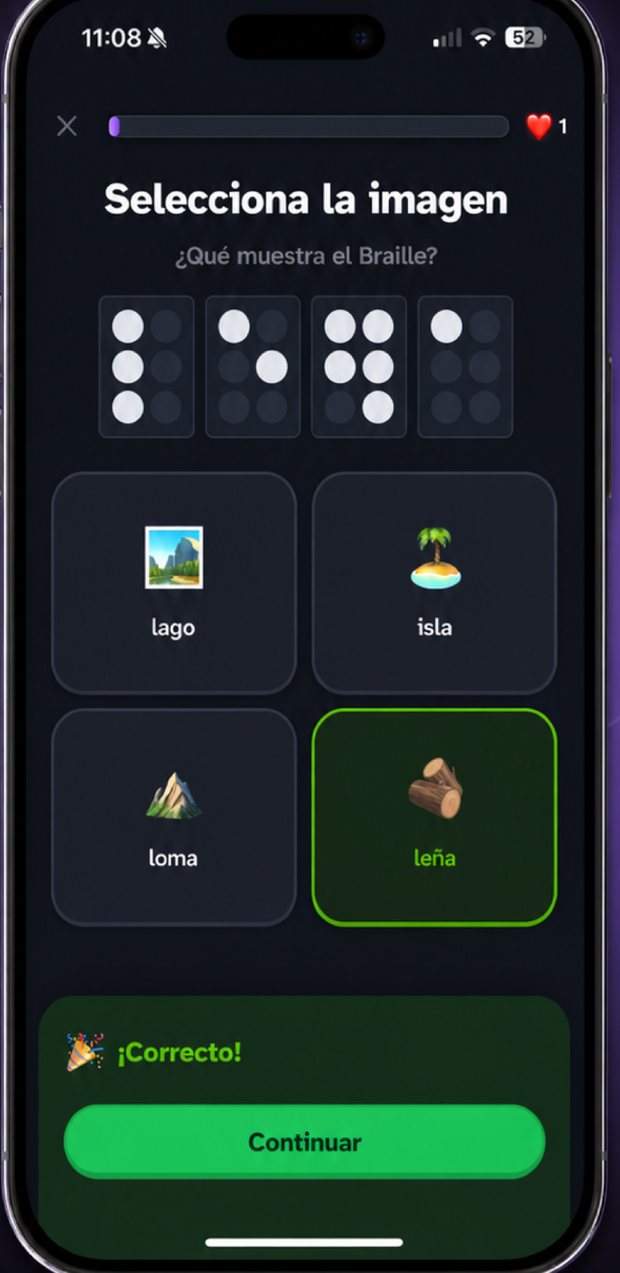
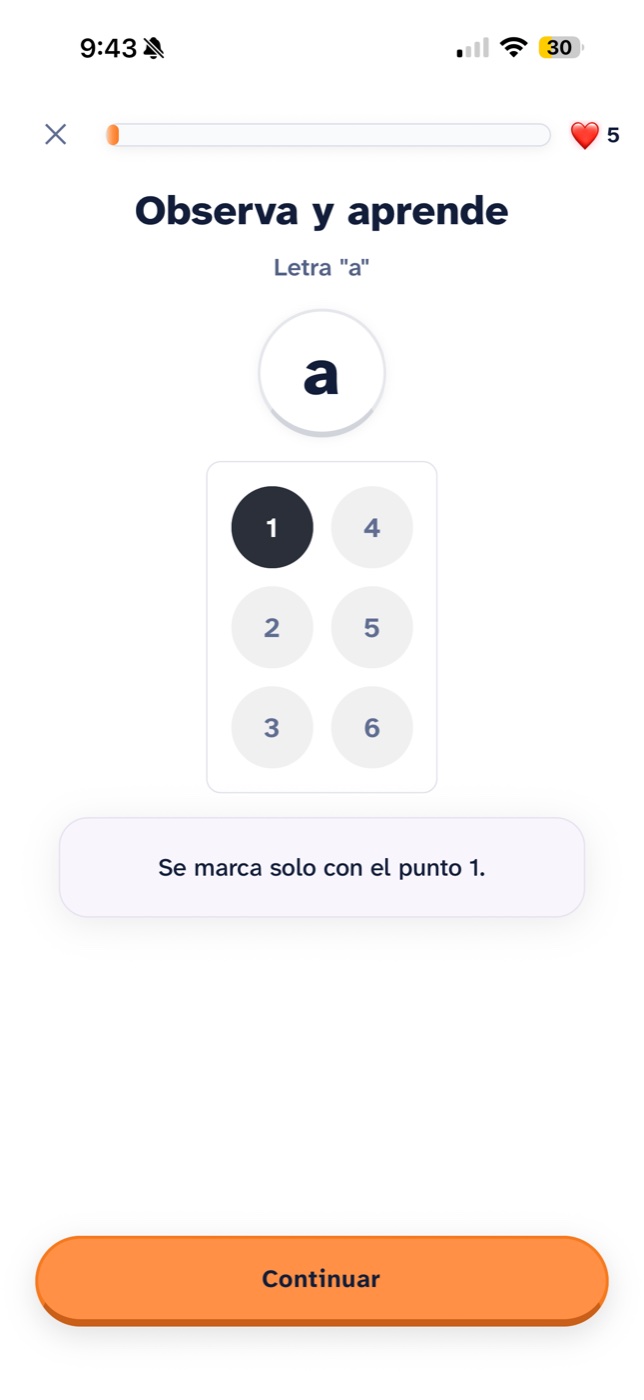
A braille cell has six dots. Dots 1, 2 and 3 form the left column from top to bottom; dots 4, 5 and 6, the right. Combinations of those six write the letters, numbers and punctuation of any language.
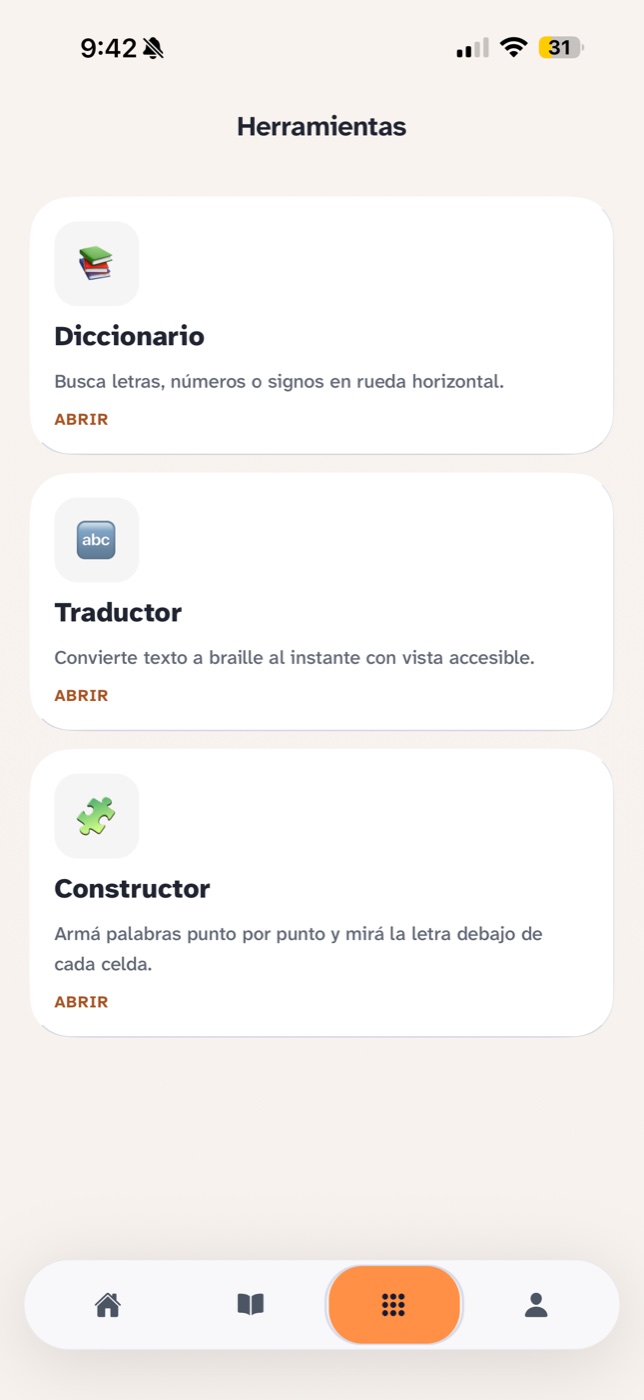
Every exercise in the app starts from that cell: you recognise it, you build it and you use it inside words. The dictionary, the translator and the builder are always one tap away.
What brings you back tomorrow
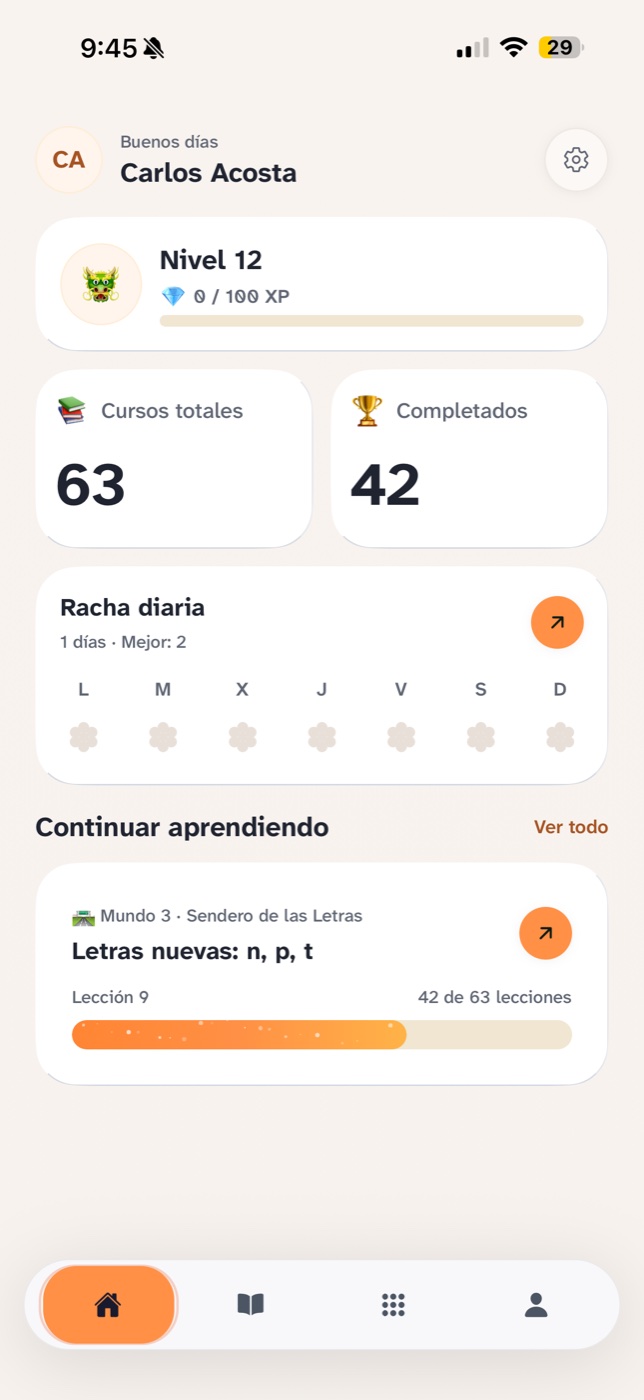
Streaks, levels and achievements. Not to collect medals, but because learning braille is a matter of consistency.
Some of the mini-games
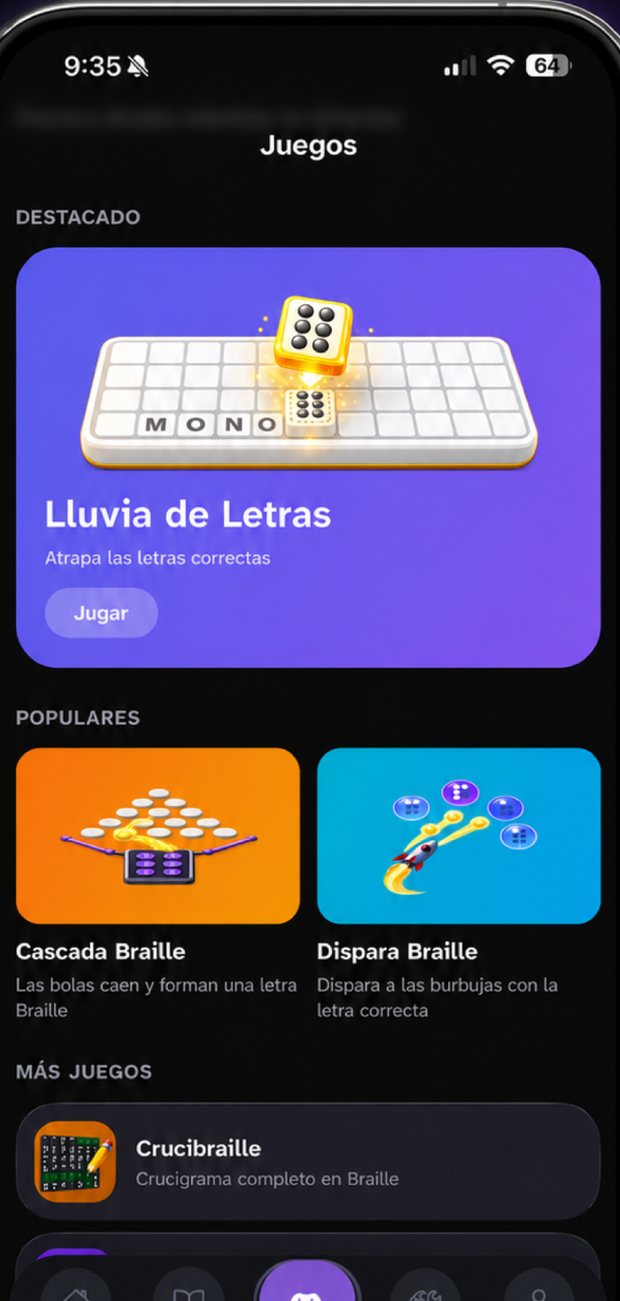
- Letter Rain Catch the correct letters before they fall.
- Braille Cascade Balls fall and form a braille letter.
- Crucibraille A full crossword written in braille.
- Tombola Spin and guess the braille letter.
And the rest, alongside the exercises in every lesson, inside the app.
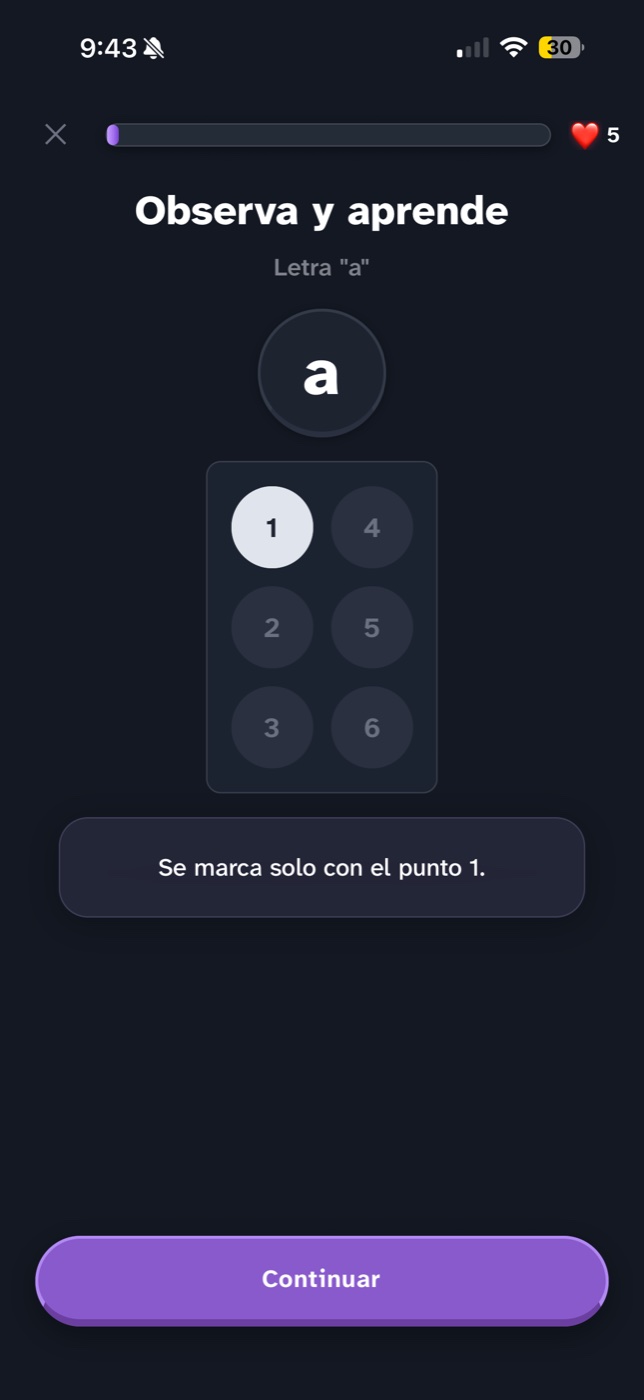
🌙 Dark mode
The same lesson, your way
For many people with low vision, screen brightness is not a matter of taste: glare is tiring and cuts sessions short. Braillito has a dark mode and a light mode, and remembers the one you choose.
Raised dots are told apart from flat ones by their fill, not only by colour, so the cell reads just as well in both modes and with the system’s high contrast.
38 languages, none of them machine-translated
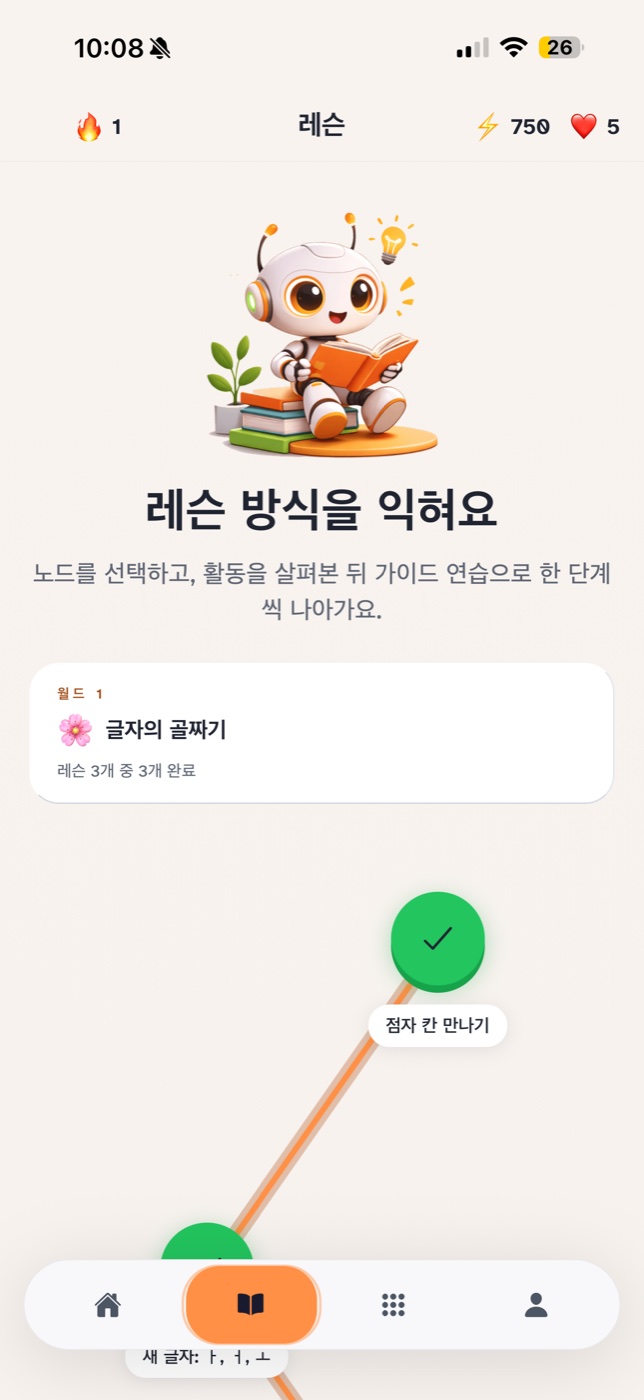
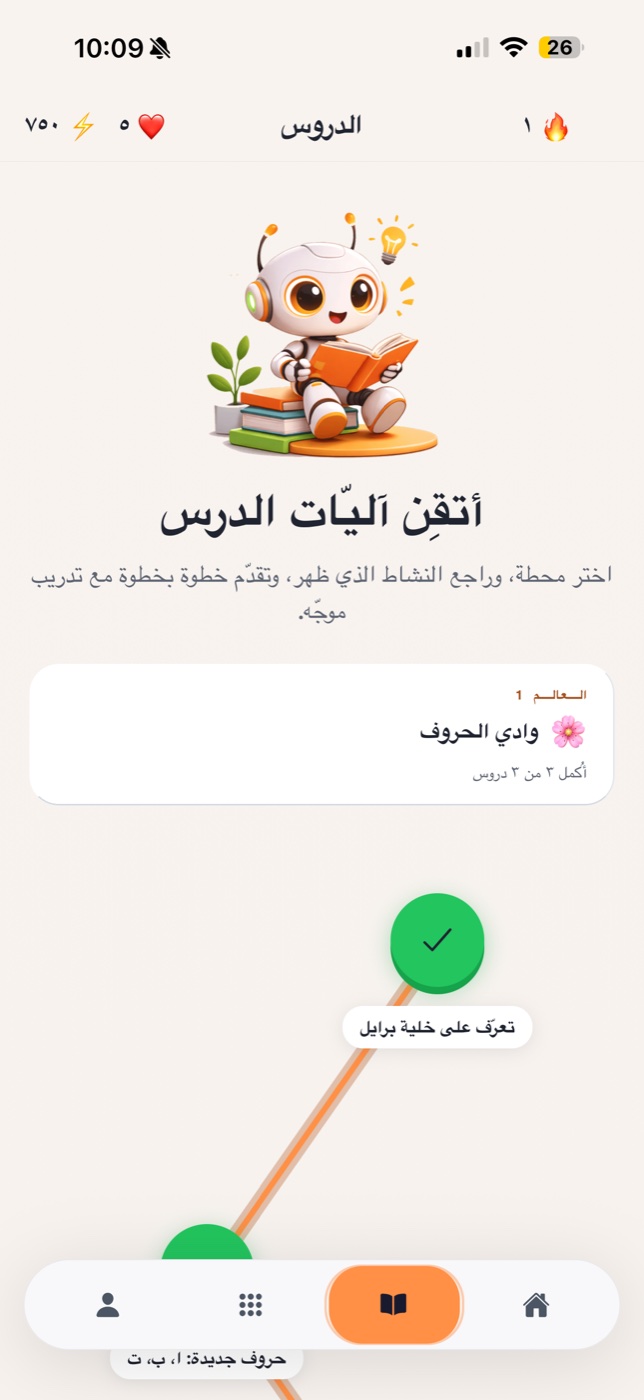
Switching language does not just change the buttons. Braille is not a single alphabet: each language has its own code, and Braillito teaches the one that is really used in each.
What brings you here?
I’m learning on my own
You want to read and write braille yourself, at your own pace.
Get startedI’m family
You want to support someone close to you and understand what they read.
Start togetherI teach
You need practical material for the classroom, not one more PDF.
Get the appI represent an organization
A school, NGO or institution that wants licences.
Contact usWe are the Braille Perú team
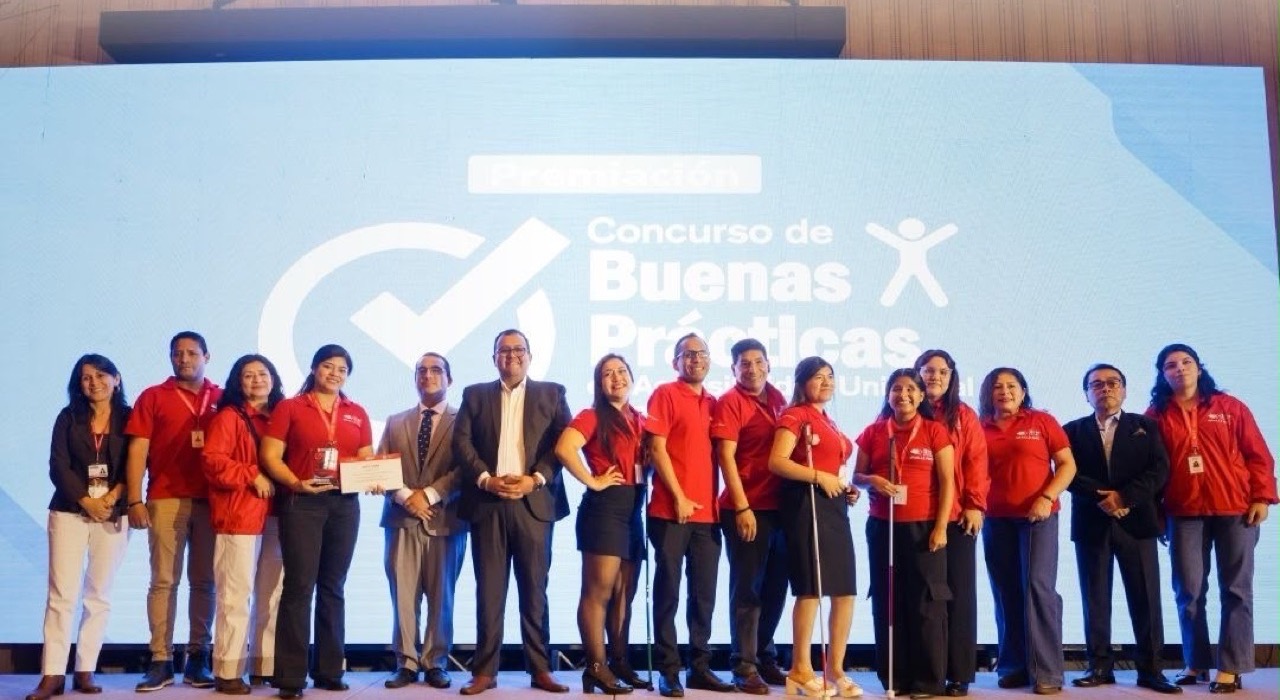
Braillito is built by a team from Peru working so that learning braille no longer depends on finding the right person in the right place.
Three partners founded it, but Braillito is not the work of three people: it belongs to the whole team in that photo, and to the community of blind and low-vision people, families and teachers who tell us what works and what does not.
Carlos Acosta
Co-founder
Daniel Rodríguez
Co-founder
Jaime Acosta
Co-founder
Eight worlds, from the first letter to math
The full course, in order. Each world builds on the one before.
-
World 1
Valley of Letters
Learn the 5 vowels, the foundation of Braille.
-
World 2
Forest of Words
Learn the accents and special letters of your language.
-
World 3
Path of Letters
Learn the most common consonants and form your first words.
-
World 4
Word Mountain
Practice vocabulary with all the letters you’ve learned.
-
World 5
Letter Archipelago
Add the final letters to complete the alphabet.
-
World 6
Kingdom of Words
Master full vocabulary and sentence reading.
-
World 7
Temple of Capitals & Numbers
Learn uppercase letters and numbers with guided building.
-
World 8
Galaxy of Codes & Operations
Complete the journey with symbols and math operations.
And not only in English: Braillito teaches braille in 38 languages, each with its own code. How it works
How much it costs
Your store sets the price for your country. You see it before you confirm anything.
Braillito
See it in your store the price depends on your country
- All 8 worlds, from the first letter to math operations
- All 16 mini-games
- All 38 languages, each with its real braille code
Besides the app, this website has tools you can use without an account and without paying: the braille translator and the braille alphabet chart.
Frequently asked questions
How much does Braillito cost?
Braillito is paid from the start: when you open it, it asks for a subscription. The price depends on your country, so the one that counts is the price on the App Store or Google Play page before you confirm anything. Besides the app, this website has a braille translator and the full braille alphabet, which you can use without an account and without paying.
Does it work with a screen reader?
Yes, with VoiceOver on iOS and TalkBack on Android. During onboarding the app asks whether you use a screen reader and adapts the interface and the exercises. It is not a separate mode: it is the same app.
Is it useful if I can see and want to teach someone?
Yes. That is one of the people it was designed for. The exercises work visually as well as by ear, so you can learn the system yourself and support the other person.
Which languages does it cover, and is it real braille in each one?
Braillito teaches braille in 38 languages, and in each one it uses the code that is actually used there, not a translation from Spanish. Braille is not a single alphabet: Japanese braille encodes kana, Korean braille encodes the jamo of hangul, Arabic braille writes short vowels in their own cells, and English uses Unified English Braille.
Does it work with a refreshable braille display?
The text in the app is real text, so a braille display shows it as braille automatically. We have not tested every model; if you use one and something does not work as you expect, write to us and we will fix it.
Does it have a dark mode?
Yes, in the app. You can choose light or dark mode and the app remembers your choice. Raised dots are told apart from flat ones by their fill, not only by colour, so the cell reads the same in both modes.
Start today
Your first braille letter, in five minutes
Download it from your store. The price for your country is on the store page, before you confirm anything.
38 languages · Works with VoiceOver and TalkBack · First place nationally in accessibility